This burning method is the one that gives the best result with regards backup quality and compatibilty with real hardware amongst all the methods and CDR software tested.
Taking that into consideration, I strongly recommend using it.
Mount your CD image (Bin/Cue or Iso/Wav/Cue) with DAEMON Tools virtual drive and launch CloneCD.
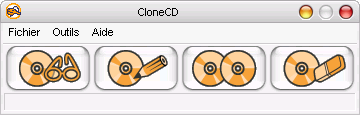
Click on "Copy CD " :

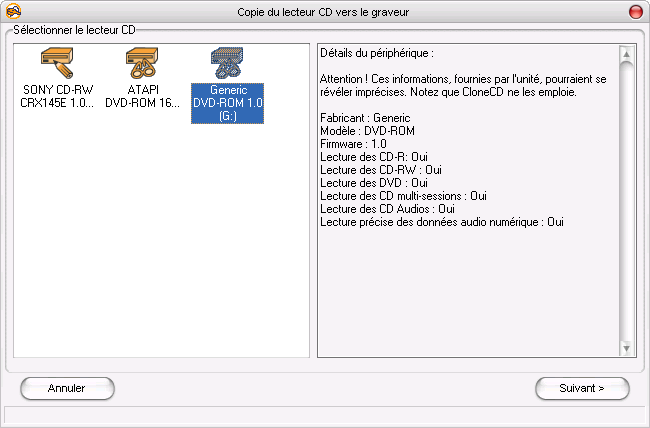
Select DAEMON Tools virtual drive as source drive (Generic DVD-ROM 1.0 here) :
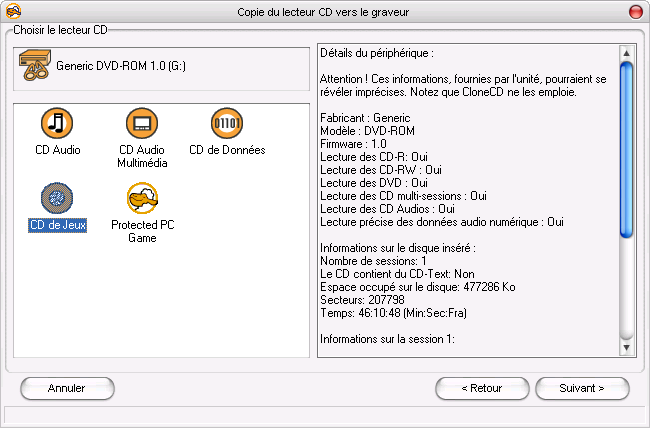
Select "Game CD" :
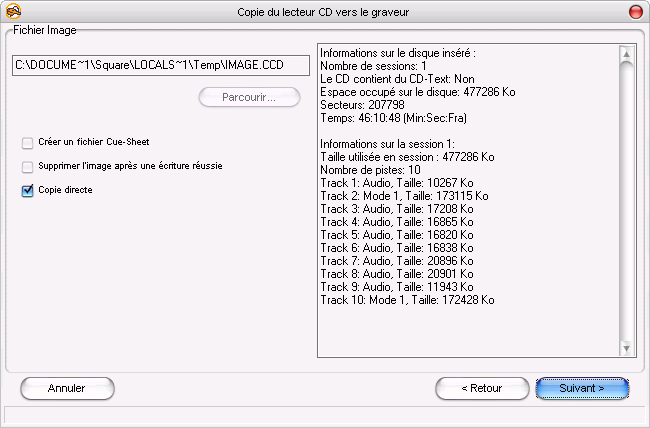
As the CD image is already on your HD you should make a "Copy On the Fly" :
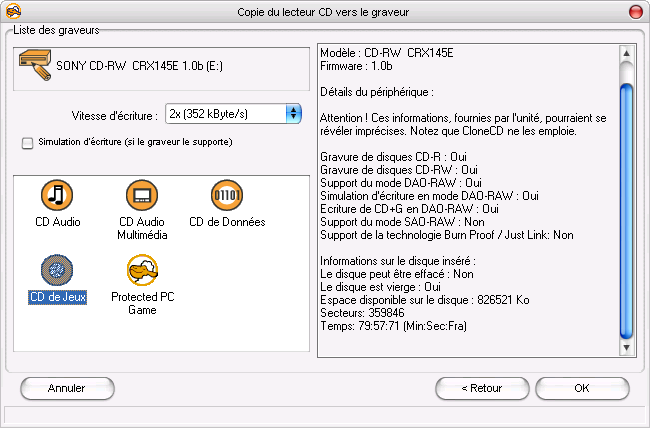
Set the write speed.
To use the burnt CD with the console, you are better using a low burning speed (1x , 2x or 4x).
Select "Game CD" and hit "OK" :
|