Launch CDRWin :
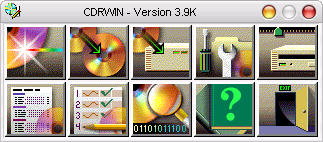
Click on "Record Disc" :

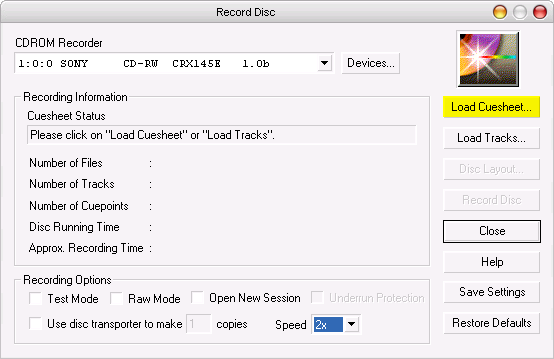
Click on "Load Cuesheet" :
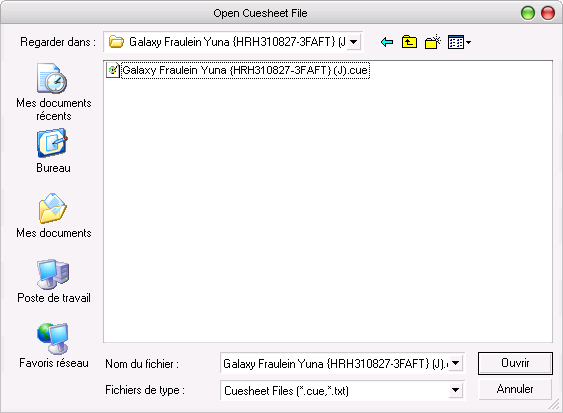
Load the cuesheet of your .bin or Iso/wav :
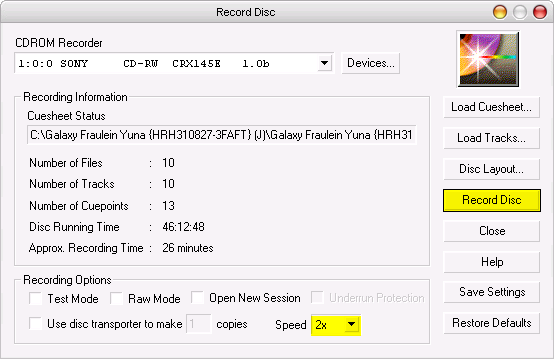
You get something like this :
Set your writing speed via the "Speed" tab.
To use the burnt CD with the console, better use a low burning speed (1x , 2x ou 4x).
Click on "Record Disc".
|