First of all you will need a proper Bin/Cue CD image.
While CDmage is able to handle many different formats, it is highly recommended to ONLY use CDRWin to dump a PCE / PC-FX CD to Bin/Cue form.
Time and experience of many CDR softwares have shown that those images are the most proper and easy to handle in order to obtain a high quality backup without data errors (corrupted sectors), without pregaps merged with audio tracks, etc..
If you didn't make the Bin/Cue you want to extract (you downloaded it) and therefore don't know if it was made using this method, better check it first !
Open the .cue file using CdrCuesheet Editor or simply WordPad and check if the "Index00" are present :
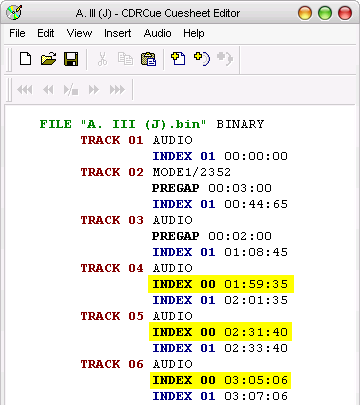
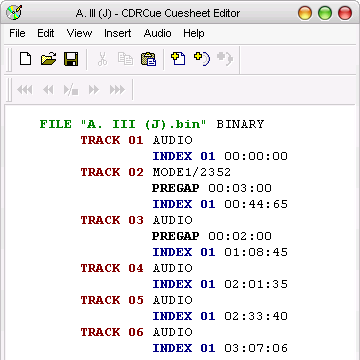
Delete every "Index00" if they are present in order to only keep the "Index01" and save the changes :
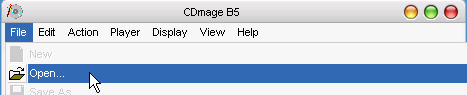
Next launch CDmage and load the cuesheet of your image (File > Open) :
You get something like this :
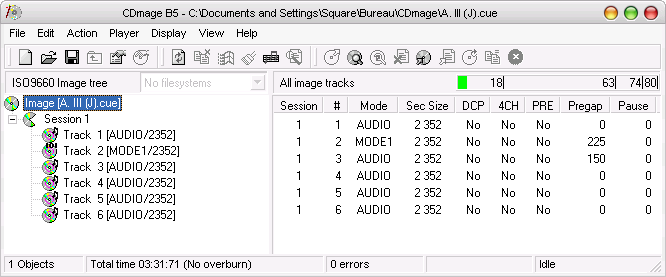
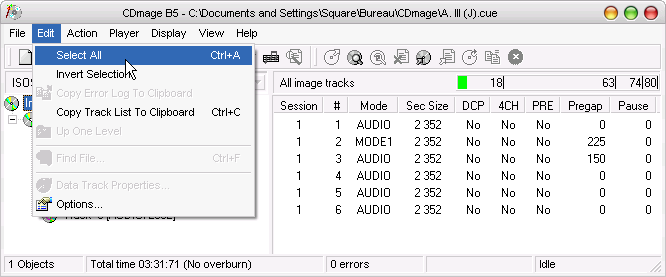
Select all the tracks (Edit > Select All) :
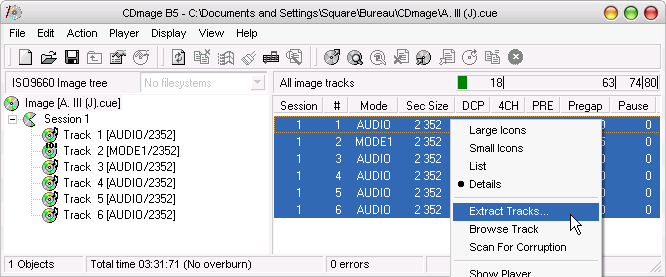
Right click on the selected tracks and hit "Extract Tracks...." :
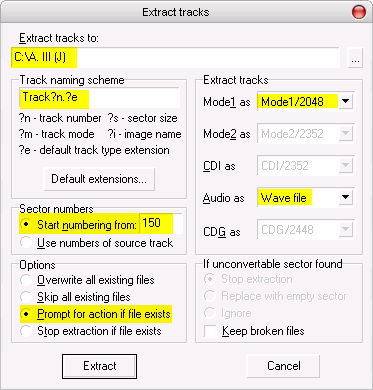
Use the following settings for the extraction :
- Extract tracks to : the folder you want to extract the Iso/Wav files
- Track naming scheme : Track?n.?e (extracted tracks will be renamed in a standard way)
- Sector numbers : Start numbering from 150
- Options : Prompt for action if file exists
- Extract tracks : Mode1 as Mode1/2048
- Extract tracks : Audio as Wave file
With the extraction over you can close CDmage :
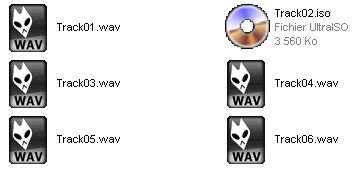
And find your Iso/Wav files :
They are renamed in a standard way fully compatible with the cuesheets you can find on this database.
|