Special thanks to Ki for coding TOC Reader for this section. :)
To use TOC Reader with Windows 9x / Me , make sure you have ASPI drivers installed on your system.
For NT/2K/Xp users , TocReader will use the SPTI interface if no ASPI driver is installed.
Insert the disc or disc image you want to check in your CD-Rom drive and run TOC Reader.
To mount a disc image you can use DAEMON Tools.
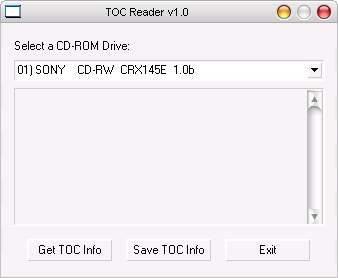
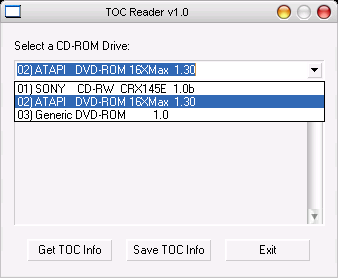
Select the drive hosting the disc you want to check.
Next click on "Get TOC Info" to view the CD's TOC.
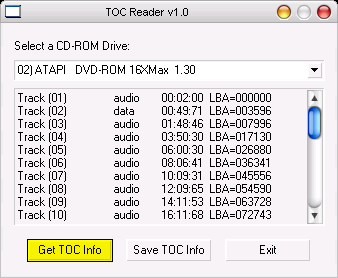
If your disc's TOC matches the confirmed one that is referenced on these pages , then you have a correct copy.
If it doesn't match then you have a bad dump so look no further if you encounter some problem while playing it on an emulator or the console system.
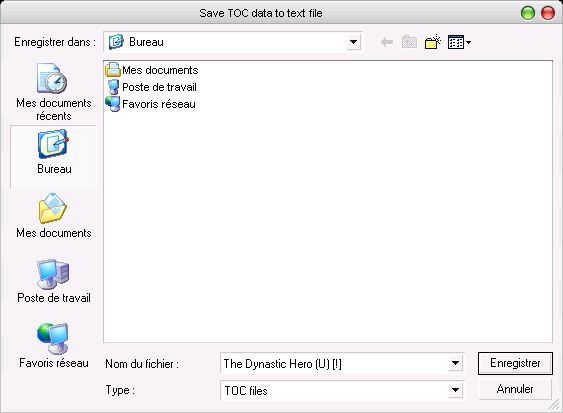
If you want to save this info to a file click on "Save TOC Info".
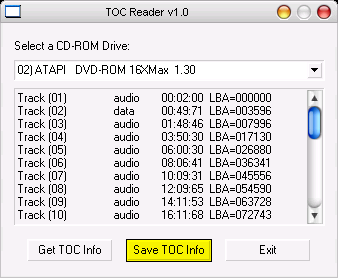
And save them in a .txt file of your choice.
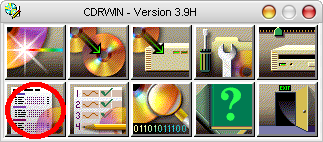
You can also use CDRWIn to view a CD's TOC.
Simply click on the down left tab of the main menu.
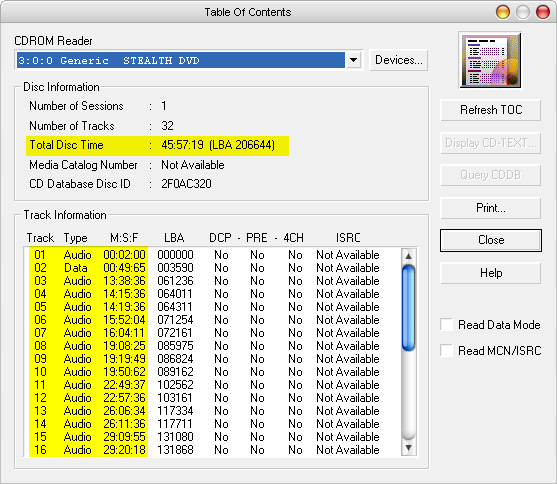
The TOC is then displayed as follow.
|